Documentation
Azimuth
Installing, configuring and updating Azimuth in Ghost.
This page is the public overview. Every purchase ships with a START-HERE guide and a docs/ reference covering custom settings, the Archive page and troubleshooting. The product page has the details.
On this page
Requirements
Azimuth runs on Ghost 6.0 or newer (Ghost 6.x, requires 6.0.0 or newer; tested on 6.62.0) and needs Administrator or Owner access to install. It works on Ghost(Pro) and on self-hosted installations.
No page builder, external font service or custom Ghost integration is required. The theme bundles its typefaces, so nothing is loaded from a third-party font host at runtime. A custom routes.yaml is optional: the theme works on Ghost's default routes.
Install
Before changing a live publication, export your content and settings and keep a copy of the active theme.
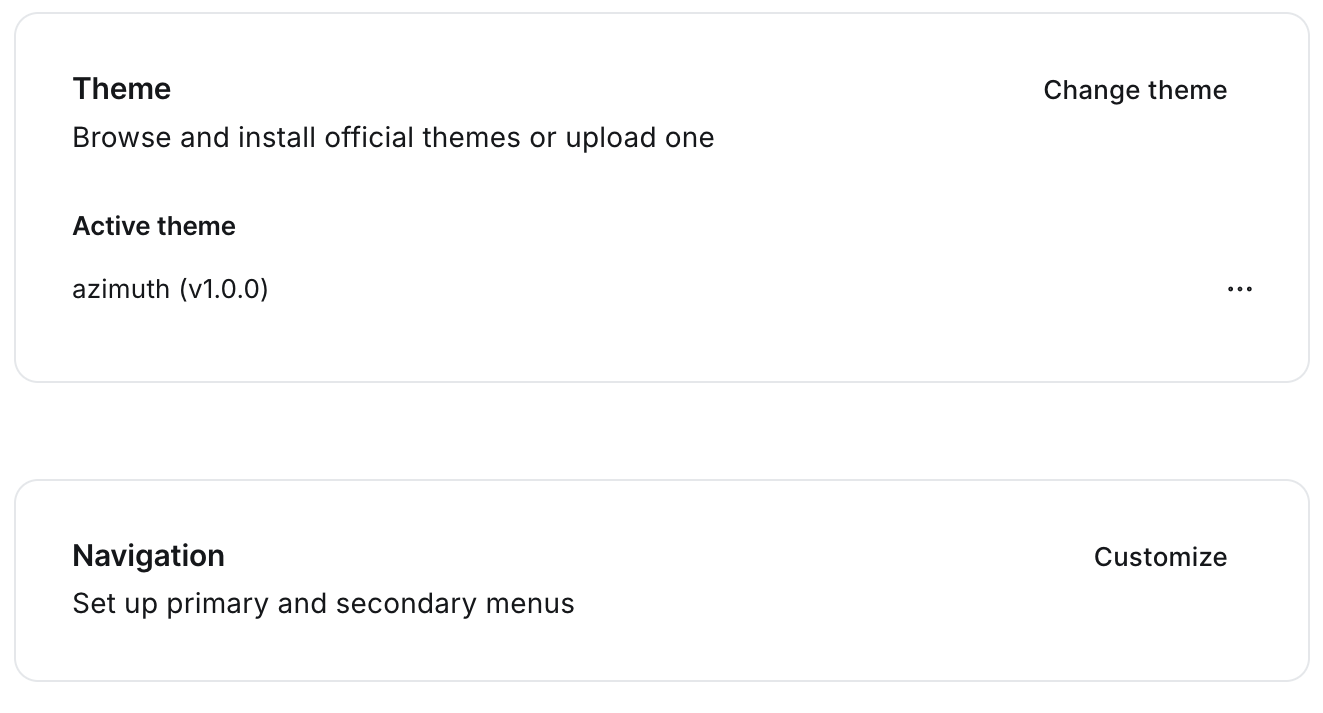
- 1.In Ghost Admin, open
Settings > Themeand chooseChange theme. - 2.Click
Upload themeand chooseazimuth.zipexactly as you downloaded it. - 3.Click
Activateonce the upload finishes.
Do not rename the file. Ghost names the installed theme after the zip's filename and stores your theme settings per theme name, so a renamed upload installs a second theme instead of updating this one.
First steps
- 1.Title and description. Set your publication title and description under
Settings > Title & description. Azimuth uses the description on the homepage and in the footer when its own homepage texts are empty. - 2.Branding. Under
Settings > Design & branding, upload a logo (optional; Azimuth falls back to your site title) and set an accent colour. The accent is used for issue numbers, links and focus outlines. - 3.Customize. Under
Design & branding > Customize, write your homepage statement and intro, add a portrait and optionally a background photo, set the Start here tag and choose a colour scheme. - 4.Navigation. Under
Settings > Navigation, add your primary links. We recommend Start here, Archive, Topics, About and Membership; five items keeps the header readable. Links under Secondary navigation appear in the footer's More column. - 5.Social accounts. The footer's Follow column shows your X and Facebook links when they are set. Ghost fills these with its own accounts on a new site, so clear or replace them.
- 6.Membership. Under
Settings > Membership, choose who can subscribe and comment, and connect Stripe under Tiers to offer a paid membership.
Pages
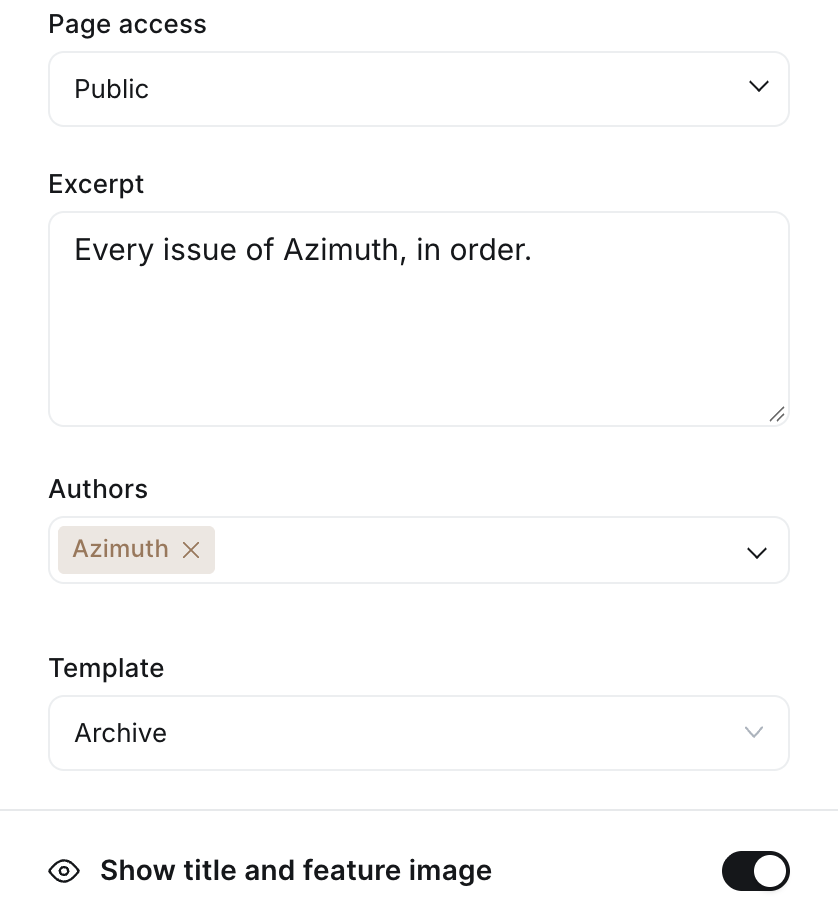
Create these as ordinary Ghost pages and choose the matching template in each page's settings panel. A template appears in the list only after the theme is activated; on a local install, restart Ghost after adding one.
| Page | Template | Notes |
|---|---|---|
| Archive | Archive | Expected at /archive/. Lists your issues, newest first. |
| About | About | The author page. |
| Subscribe | Subscribe | Free and paid tiers with a signup. |
| Topics (optional) | Topics | Slug must be topics. Lists every topic alphabetically; the homepage shows the eight largest and links here when there are more. |
Theme settings
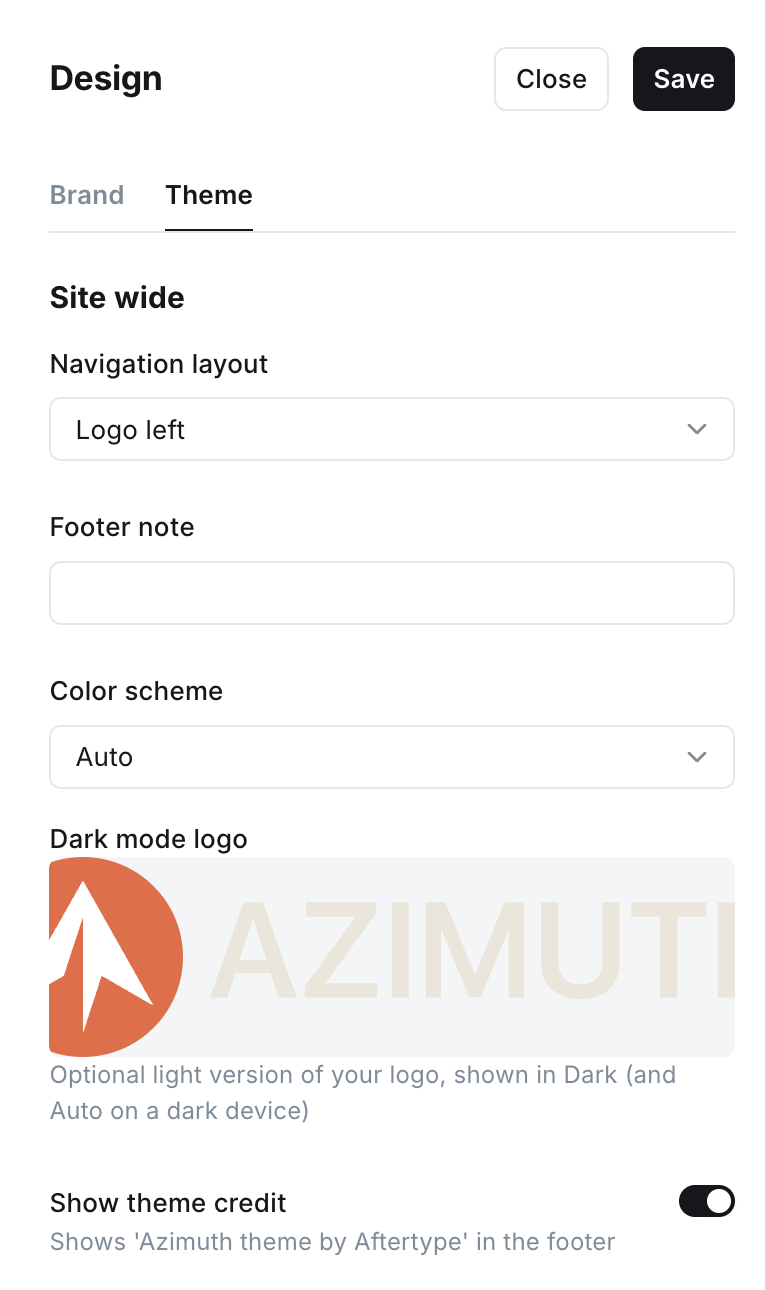
Found under Settings > Design & branding > Customize. Every setting has a safe fallback: leaving a text setting empty, or never opening the panel at all, produces a fully working site.
Homepage
| Setting | What it does | Default |
|---|---|---|
| Navigation layout | Logo left or logo center. Placement of the logo relative to the primary navigation. | Logo left |
| Homepage portrait | A square portrait beside the statement. Empty, the masthead becomes a single column with no placeholder. | Empty |
| Homepage background | An optional photo behind the masthead, shown as a quiet greyscale texture at a fixed low opacity so the text stays readable. | Empty |
| Homepage statement | The one-sentence headline in the masthead. Falls back to your site description when empty. | Empty |
| Homepage intro | Two or three sentences under the statement. Falls back to your site description, but never shows it twice. | Empty |
| Start here tag | The tag slug that powers the Start here section. The section disappears if no posts carry the tag. | start-here |
| Recent issues count | How many posts the homepage Recent issues list shows: 6, 8 or 12. The latest issue and Start here posts are left out of it. | 8 |
| Show issue numbers | Shows No. N next to each issue in lists, the Archive, tag and author pages. Off, the date takes that column. | On |
Post
| Setting | What it does | Default |
|---|---|---|
| Post image style | How a feature image is shown at the top of an article: Wide, Full, Small or Hidden. | Wide |
| Show related posts | Up to three other issues after the article: first from the same primary topic, then recent issues from other topics. | On |
| Signup heading | Overrides the end-of-post signup heading for logged-out readers. | Locale default |
| Signup text | Overrides the end-of-post signup body copy for logged-out readers. | Locale default |
General
| Setting | What it does | Default |
|---|---|---|
| Footer note | A short line appended to the copyright notice in the footer. | Empty |
| Colour scheme | Light, Dark or Auto. Auto follows each reader's device setting. | Light |
| Dark mode logo | An optional light version of your logo for Dark, and for Auto on dark devices. | Empty |
| Show theme credit | Shows the Azimuth credit next to Published with Ghost in the footer. Off, only the Ghost credit remains. | On |
The footer is built from Ghost's own settings: your site title and description, a More column with your Secondary navigation (hidden when empty), and a Follow column with a newsletter or account link, RSS and your X and Facebook links when set.
The Archive page
Ghost limits every theme data request to 100 results. For a weekly newsletter that is about two years of issues. Past 100 published posts, the Archive shows the 100 most recent and adds an Older issues link into your site's regular paginated index, so nothing becomes unreachable.
A fully paginated archive is possible with a routes.yaml collection, but a collection also becomes the canonical URL of every post it matches. Turning /archive/ into one would change the address of every post on your site, so it is not the default. If you outgrow the 100-issue view, get in touch and we will walk through what it would change before you turn it on.
Members and comments
Azimuth uses Ghost's native membership system and styles it. Sign in, sign up, account and upgrade open Portal. The theme never lists your tiers itself, so tier names and prices are edited in Ghost Admin only.
The signup at the end of each issue changes with the reader: a free signup for visitors, an upgrade prompt for free members and a thank-you for paid members. Members-only and paid issues show a preview and a signup at the content boundary. Comments and related issues are styled in both colour schemes, and Ghost Search is supported. Paid tiers need Stripe connected to your Ghost site.
Colour and dark mode
Colour scheme is a theme setting: Light and Dark use Azimuth's warm paper or near-black palette for every reader, and Auto follows each reader's device. If your logo is dark, upload a light version as Dark mode logo, or it will disappear on dark paper.
Your accent colour is kept wherever it is readable. Where it would be too faint to read as text, Azimuth mixes it towards the reading colour just enough to reach a 4.5:1 contrast, keeping its hue, separately in light and dark. Buttons are filled with the reading colour, never the accent, so their labels stay readable whatever accent you choose.
Localization
Interface labels (Subscribe, Read the issue, issue counts and so on) come from Ghost's locale files. The theme ships English and Dutch; choose the language under Settings > General > Publication language. Other languages that Ghost supports are translated by Ghost itself.
Updates
Free updates for as long as Azimuth is actively maintained, including updates for new major Ghost releases.
Uploading a new theme zip under Settings > Theme replaces the theme files only; your content, settings and navigation are untouched. Always upload azimuth.zip under its original name so the update replaces the installed theme and keeps its settings, and keep the previous zip until you have confirmed the update looks right.
Troubleshooting
Full troubleshooting documentation ships with the theme. These are the questions that come up most often.
| Symptom | Cause and fix |
|---|---|
| A template is missing from the page's Template list | Templates appear only after the theme is activated. Re-upload and activate the zip, then reload the page editor |
| Archive, About, Subscribe or Topics shows an empty page or no title | Check that the page is assigned the matching template. The Topics page also needs the slug topics, and the Archive page is expected at /archive/ |
| Start here is empty | The band lists posts carrying the tag set in Start here tag (default slug start-here). If the tag is internal, keep its slug explicit. The latest issue is not repeated in it |
| The footer shows X or Facebook links I did not add | Ghost fills Settings > Social accounts with its own accounts on a new site. Clear or replace them |
| The Archive stops at 100 issues | Ghost limits a single listing to 100 posts. The Archive shows the newest 100 and links to the paginated index for the rest |
| Issue numbers look wrong | Numbers count published posts up to and including that post, so they change if you unpublish or backdate one. Turn them off with Show issue numbers |
| My accent colour looks different as text | By design. Where it would be too faint to read as text it is mixed towards the reading colour to reach a 4.5:1 contrast, separately in light and dark |
| Dark mode shows a dark logo on dark paper | Upload a light version as Dark mode logo |
| Two Azimuth entries in the theme list | A renamed or versioned zip was uploaded. See Updates above |
| Changes are not visible | Save the setting, hard-refresh the browser and clear any CDN or page cache |
Still stuck? Write to support@aftertype.studio with your Ghost version, the theme version and a link or screenshot.